
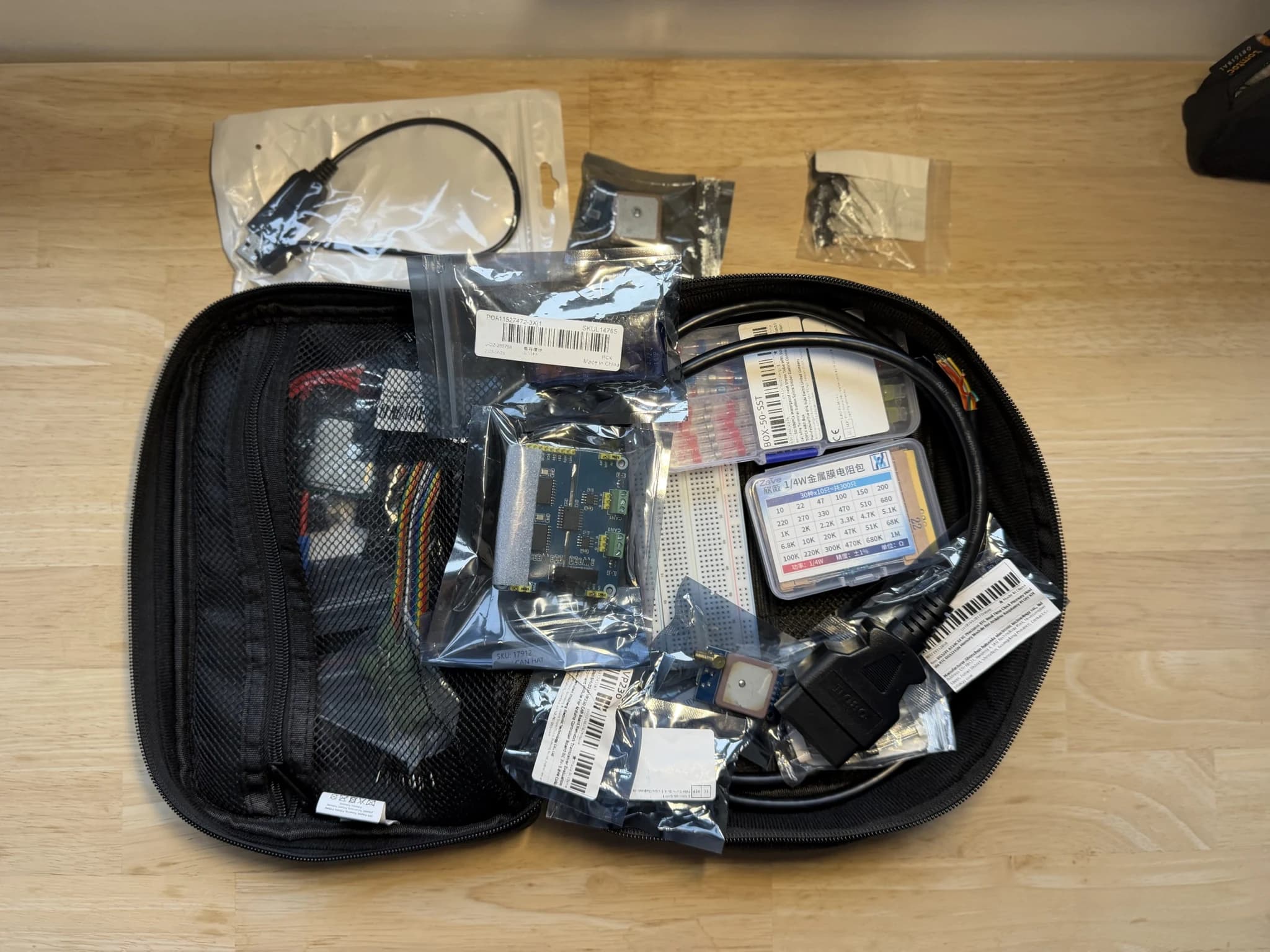
Barda came out of a very concrete annoyance. My electronics and tools gear lives in bags and boxes, about a hundred small things in all. Before every project, I'd lose a quarter of an hour looking for an ESP32 board or a reel of solder.
The model fits in three concepts: items, kits (the bag, the box, the drawer) and projects. Every item and every kit carries a QR label, printed over Bluetooth on a small thermal label printer, the Fichero D11s. A project's page answers the only question that matters before heading out: which kits do I take.[1]
Since September, Barda had been running at home, for me. The day I wanted to publish it, I found out how much a personal tool can get away with ignoring.
The printer was everywhere#
The first version knew a single printer, and its characteristics were written all over the code. At home, no problem: I only have one. For anyone else, it's a wall.
So I pulled the printer out of the code and turned it into a registry. A model is described in one place: its resolution (203 dpi for the D11s), the width of its print head, its label sizes, the transports it accepts. Rendering adapts on its own. Supporting a Niimbot or a Phomemo takes a driver on the web side and a Swift class on the iPhone side, without touching anything else.
Bluetooth had already shaped the architecture. Safari gives no access to it, on iPhone or on Mac. The iPhone app exists for that reason alone: it shows the site and lends it a CoreBluetooth driver.[2] The label is drawn entirely on the web side; Swift receives an already encoded raster, slices it and sends it. I didn't work out the D11s protocol on my own: it comes from the fichero-printer project, also released under the MIT licence.[3]
Twelve millimetres tall#
One decision I'd make again without hesitation: the QR code holds only the item's short code, six characters like IR7MCX, and not a web address. On a 12 mm label, an address needs a 25 × 25 grid of modules. The code alone fits in 21 × 21, with modules 32% bigger and error correction going from 7% to 25%. On a folded or stained label, that's what keeps it readable. And the code alphabet leaves out I, L, O and U, too easy to mix up at that size.
A demo nobody can break#
To show Barda without asking anyone to install it, I added a demo mode. It opens the app without a password, on a made-up inventory created at first start. The whole question was where to put the lock. Greying out buttons isn't enough, since a form can be replayed perfectly well without a button. So the refusal happens in the middleware, before the request reaches the code: form, server action or file upload, every write is rejected there, and the MCP server is closed.
That mode runs online at showcase-barda.can-ali.fr; it's also what the screenshots on the project page come from.
What the AI can't do#
Barda has an MCP server, so that Claude can look up and tidy the inventory. It exposes fifteen tools, and none of them deletes anything. A model can get a code wrong, and a deleted item doesn't come back. Its writes go through exactly the same code as the forms.
For the release, the deployment script tied to my own server went away. The iPhone app now reads its development team, its bundle identifier and the instance address from a local file that git ignores. The repository gained an MIT licence, a Docker Compose file and a README that covers installation, printers and every environment variable.
The code is on GitHub, in two repositories: Lyniiiix/barda for the web app and Lyniiiix/barda-ios for the iPhone. If you have another Bluetooth label printer, the registry is ready for it.
SOURCES
- [1]Barda: the web app, GitHub, MIT licencegithub.com
- [2]barda-ios: the iPhone shell and its CoreBluetooth driver, GitHub, MIT licencegithub.com
- [3]fichero-printer: the Bluetooth protocol of the Fichero D11s, 0xmh, MIT licencegithub.com